

Report
Use prepared business data to create the operational, financial and management reports your business needs.
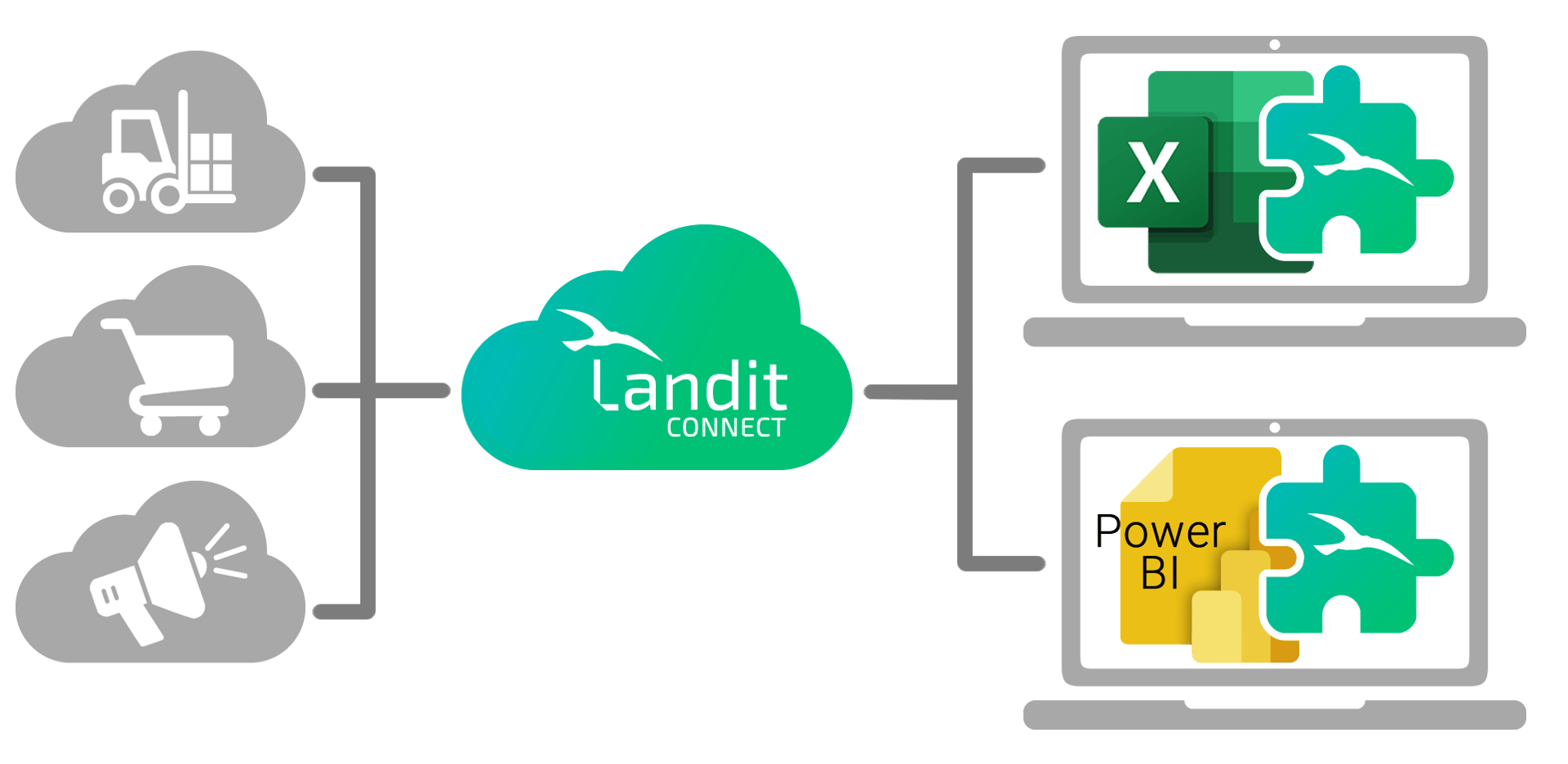
Once your data is brought together and kept reporting-ready, you can use it again and again for different reporting requirements.
Use prepared business data to create the operational, financial and management reports your business needs.
Compare data from different systems or instances side by side and automatically identify discrepancies for review.
Explore your data in different ways to answer new questions without repeating the work of extracting and preparing it.
Once your data is connected and prepared, Landit continues to detect and process changes from your source systems automatically.
That means you can refresh your reports with current reporting-ready data, without repeating the exports, reconciliation and preparation that got you there.

Landit does the work behind the scenes, so your reporting-ready data is available where you want to use it.

Explore, customise and create reports using reporting-ready data from across your business systems.

Get updated reports delivered directly to your inbox, automatically and on your schedule.

Bring your business data into ready-made Power BI reporting that stays current and can be extended around your requirements.